

Table of Contents
Understanding AI Crawlers and Their Impact on Website Performance


As artificial intelligence continues to evolve, AI crawlers play an increasingly significant role in web traffic management. These automated bots are designed to traverse the vast expanse of the internet, indexing content for search engines and gathering data for various applications. However, the rising sophistication of these bots comes with its own set of challenges, notably when it comes to managing web resources effectively. In 2025, many website owners are struggling with AI crawler issues that slow down websites, drain resources, and negatively impact user experience.
One of the primary concerns regarding AI crawler issues , is the overwhelming volume of requests that they generate. Heavy traffic from these bots can overload server resources, causing legitimate user requests to experience delays or even fail entirely. In many cases, the sheer number of requests from AI crawlers outpaces human traffic, creating a bottleneck that significantly degrades website function. This scenario can be exacerbated when multiple crawlers target the same site simultaneously, further straining server capabilities.
Moreover, the behavior of these crawlers can differ greatly, leading to unpredictable interactions with a website’s architecture. Some crawlers adhere to the rules outlined in robots.txt files, while others may disregard them, accessing pages that should be off-limits. This could lead not only to resource depletion but also to unintentional data fetches that might adversely impact SEO efforts.
Case studies have shown that websites with a high degree of exposure to aggressive AI crawling often experience measurable dips in performance metrics. For instance, a reported 50% slowdown in site responsiveness was observed on platforms that had not implemented adequate crawling management. Statistics indicate that businesses are losing a significant percentage of revenue due to such performance issues related to AI crawlers.
Recognizing these challenges is essential for website owners to develop proactive strategies aimed at mitigating the negative impact of AI crawler issues on their sites. By understanding how these bots operate, one can better prepare for their inevitable influence and protect the overall performance of their online presence.
Detecting Abnormal Traffic Patterns Caused by AI Crawlers
Identifying abnormal traffic is essential for spotting AI crawler issues early, especially when strange spikes or repetitive requests begin slowing down your website, especially in 2025 when AI crawlers are increasingly prevalent. One of the primary methods for detecting such patterns is through the use of web analytics tools. These tools provide comprehensive insights into visitor behavior, making it easier to spot anomalies. For instance, a sudden spike in traffic during off-peak hours can be a red flag, indicating potential interference from AI crawlers rather than genuine user engagement. Similarly, monitoring traffic sources can help identify if visitors are originating from unusual geographic locations, a common sign of bot activity.
Additionally, server logs are invaluable for analyzing traffic on a granular level. By examining these logs, webmasters can track requests made by users and detect any repetitive behavior. For instance, if multiple requests are made to a specific page within a short time frame, it may suggest that AI crawlers are scanning the site excessively, leading to potential performance issues. Implementing automated monitoring systems can streamline this process, providing alerts when abnormal activity is detected.
Furthermore, employing visual aids like diagrams and flowcharts can simplify the interpretation of complex data. These visuals can outline typical traffic patterns versus abnormal ones, helping website owners to quickly recognize and respond to issues. Regularly reviewing traffic patterns ensures that any potential overload caused by AI crawlers is addressed promptly. By staying vigilant and utilizing effective analysis techniques, businesses can safeguard their websites against performance degradation and maintain a smooth user experience.
Implementing Strategies to Block or Limit Unwanted AI Crawlers
In the realm of online presence, website owners often face challenges posed by unwanted AI crawlers. These automated entities can consume server resources, ultimately leading to a slowdown of website performance. To mitigate this issue, there are several effective strategies that can be employed to prevent unwanted AI crawlers from causing disruptions.
One of the primary methods involves the use of a robots.txt file. This file, placed in the root directory of a website, instructs crawlers about which pages should not be accessed. By disallowing unwanted bots, website owners can effectively manage and limit their impact. However, it is important to note that not all crawlers will respect these directives, so relying solely on this method may not be sufficient.
Another effective strategy is to implement CAPTCHAs. These challenges effectively differentiate human users from automated crawlers. When a bot attempts to access the website, it will be met with a CAPTCHA prompt. This not only protects sensitive pages but also ensures that legitimate traffic can access the site unhindered.
Additionally, configuring firewall settings can provide another layer of protection against intrusive AI crawlers. Firewalls can be tailored to identify automated traffic patterns. By blocking IP addresses associated with malicious crawlers, website owners can shield their resources while allowing genuine users to access their content.
For more advanced cases, techniques such as rate-limiting and IP blacklisting can be implemented. Rate-limiting restricts the number of requests a single IP can make in a specified timeframe, thereby curbing potential overloading from aggressive crawlers. Meanwhile, IP blacklisting enables permanent blocking of identified persistent offenders.
These strategies combined offer a robust approach to managing the AI crawler issues, ultimately ensuring that website performance remains optimal while safeguarding valuable resources.
Monitoring Performance After Implementing Solutions
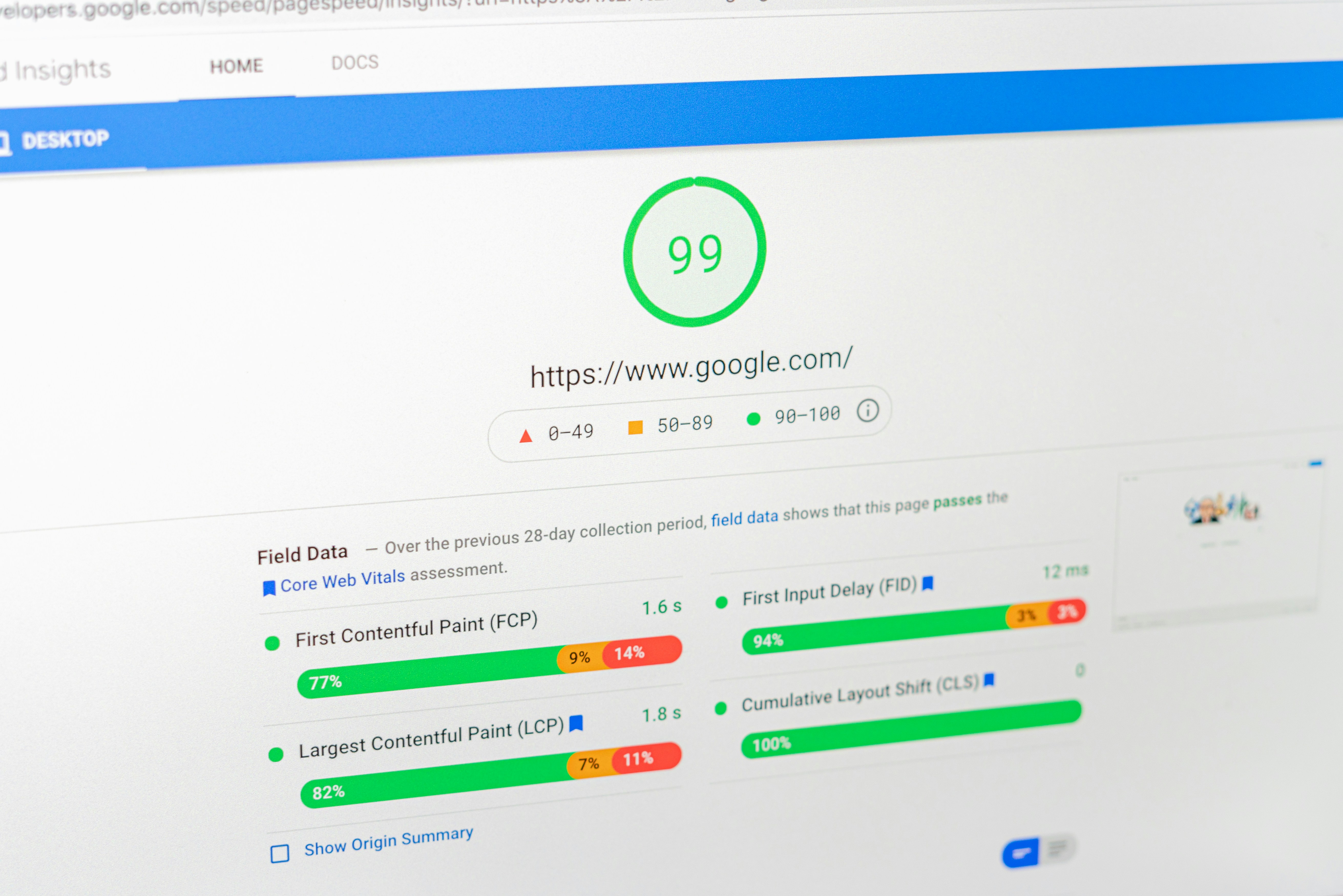
After applying fixes for AI crawler issues, continuous performance monitoring becomes essential to confirm that the website is recovering and running smoothly. Website owners must assess whether these interventions have measurably improved the performance metrics crucial to user experience, including page load times and server response rates. An ongoing evaluation will not only highlight any enhancements but also identify any lingering issues that may arise from external threats or traffic anomalies.
A key method for effectively monitoring website performance is to utilize web analytics tools that can capture crucial data points. Tools such as Google Analytics and server performance monitors provide insights into how changes affect user engagement. By analyzing metrics pre- and post-implementation, website owners can determine if the solutions deployed against AI crawlers are yielding a positive impact. For instance, improvements in page load times may indicate that server resources are no longer being unduly strained by rogue traffic.
Setting up alerts for abnormal activity should also be part of the strategy. Employing services designed for real-time monitoring can automatically notify website owners of sudden spikes in traffic that may suggest a resurgence of AI crawlers or other malicious activities. Additionally, logs from web hosting services can be examined regularly to detect any unusual patterns that may necessitate adjustments to existing limits or blocking protocols.
As the digital landscape continuously evolves, regular reviews of security measures are essential. Web technologies develop rapidly, and what worked yesterday may not suffice tomorrow. Maintaining optimal server performance requires a proactive approach, where strategies are adapted based on current trends and threat landscapes. This adaptive management ensures that website owners not only protect against invasive crawlers but also enhance overall site performance.
for more posts go to : blog
here is another resource that could help you on youtube : Blocking AI Bots & Crawlers Tutorial With Cloudflare
Leave a Reply